
If you have existing certificates with GS1/Validoo, you can import them and continue working with them in Finfo Simplicedi. Follow the guide below to import your existing certificates.
A prerequisite for the guide below is that you have all the existing certificates to be imported in XML format. These can be retrieved from Validoo's supplier portal.
Instructions
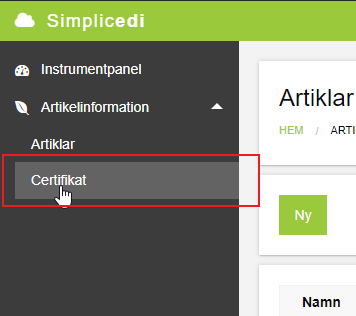
Navigate to the certificate overview (Certifikat).
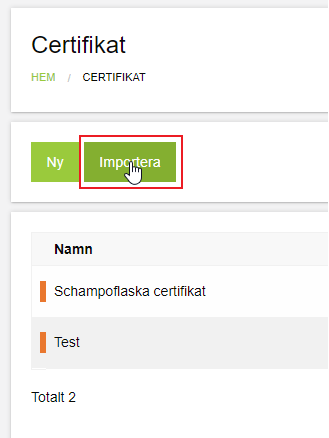
Click Import (Importera)
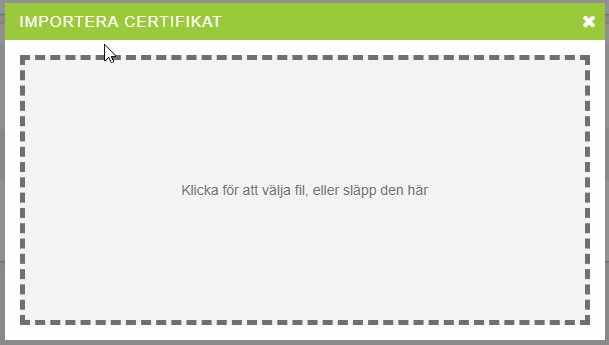
The following dialog appears, where you can either drag and drop your certificate files (.xml) from your computer's file structure, or click in the box and browse the file structure for the certificate.
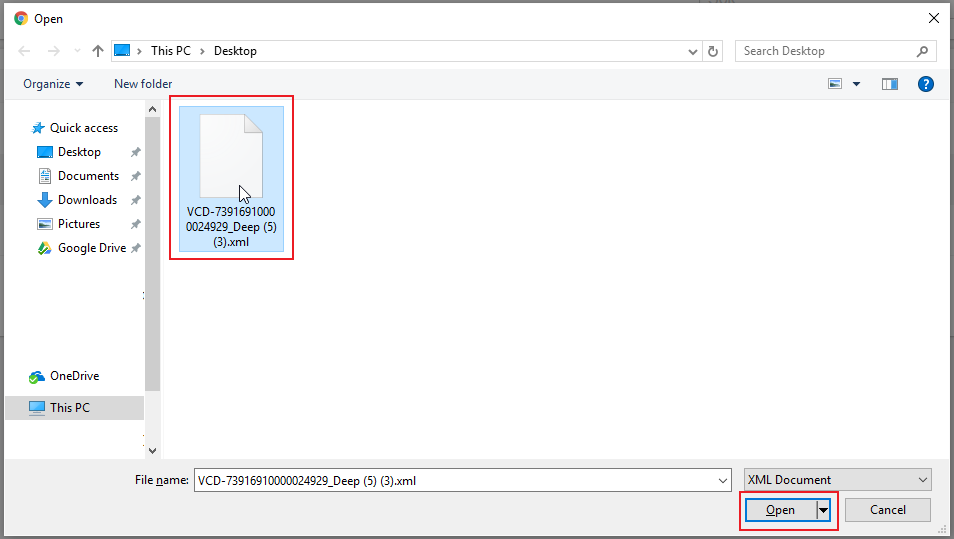
The certificate and its associated articles are now imported. Once the loading indicator disappears, you can choose to import more certificates. Close the import dialog by clicking outside it, and all your certificates will be presented in an overview.
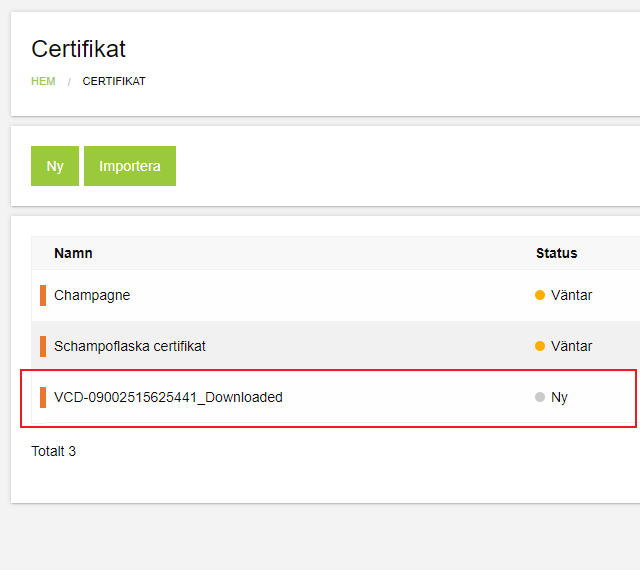
Done! You are now able to work with your article certificates in Finfo Simplicedi!