Quick search
In the Search for items box, you can do a free-text search across all your items. For example, if you type 1851, you get item number 1851, item numbers that contain 1851, and item descriptions that contain that number sequence.

Filtering
There are a few predefined filters:
-
Supplier (if you have access to other suppliers’ data)
-
Brand
-
Item number
-
Item discontinuation code
-
Has Main Image
-
ETIM class
-
Media type
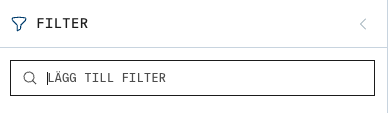
Add filter
You can also choose which information you want to filter on by adding your own filters.
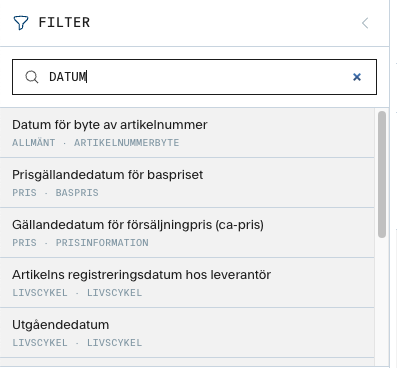
For example, type “Date” in the search box to see options for all fields that contain the word.