
Your login credentials are provided by Finfo customer support. The login is personal and is based on your email address.
-
Go to the Finfo One page and select Log in.
-
Enter your email address and password.
-
Once you are logged in, you will have access to the platform’s features and menus. At the bottom left, once you are logged in, you will find Knowledge Base, Account Settings and Log out.
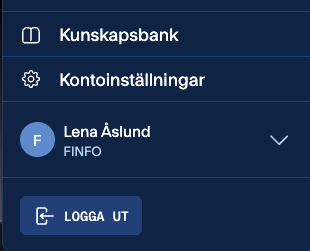
Knowledge Base
Follow the link to Finfo’s Knowledge Base for instructions regarding One and our services.
Account settings
In Account settings you can
-
Change your password
-
See which organizations you are associated with
-
Switch between organizations if you have more than one linked to your account.
You can always see on the screen which user you are logged in as and which organization is currently active.
Log out
When you are finished, this is where you choose Log out.