
To copy an item, click COPY.
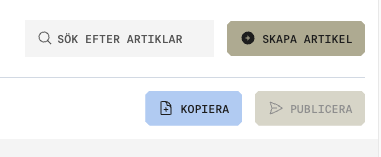
When copying, the new item number is set to the original item number + COPY in order to distinguish between the items.
Item number: “1234” → “1234 COPY”
If you are viewing an item with the status NEW ITEM / DRAFT, the item information from that version will be copied. In other words, it is not the published version of the item that is copied.
Certain fields are excluded from the copy for natural reasons: