
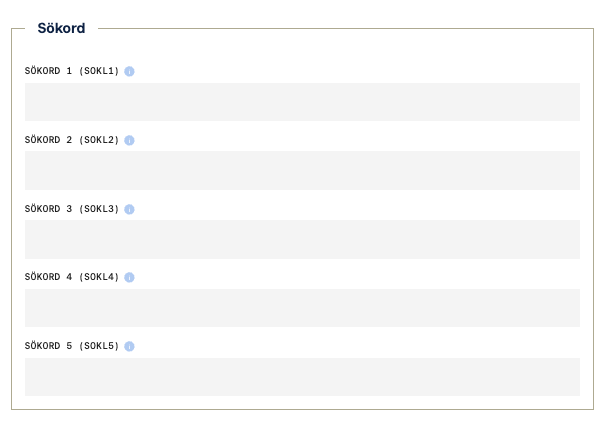
Field codes IN KNSOKL1 | OUT WISÖKL1 | API supplierSearchKeyword1 | Max Length 20
Field codes IN KNSOKL2 | OUT WISÖKL2 | API supplierSearchKeyword2 | Max Length 20
Field codes IN KNSOKL3 | OUT WISÖKL3 | API supplierSearchKeyword3 | Max Length 20
Field codes IN KNSOKL4 | OUT WISÖKL4 | API supplierSearchKeyword4 | Max Length 20
Field codes IN KNSOKL5 | OUT WISÖKL5 | API supplierSearchKeyword5 | Max Length 20
Definition
This field is used to specify keywords or synonyms that make it easier to find the item.
Explanation
Here you may enter up to five keywords that describe the item. The keywords can be alternative names, common nicknames, abbreviations, or other terms that customers and users might search for.
The purpose is to improve searchability in recipients’ systems and make it easier to find the correct product, even if the exact item name is not known.
One keyword is entered per field, with the option to provide up to five different keywords.
Usage
The supplier specifies relevant keywords for the item.
Finfo verifies that the format is followed.
Recipients may use the keywords as alternative search terms to locate the item in their systems.